Start With What the Customer Needs.
Present services clearly so customers know exactly what they are scheduling before they choose a time.

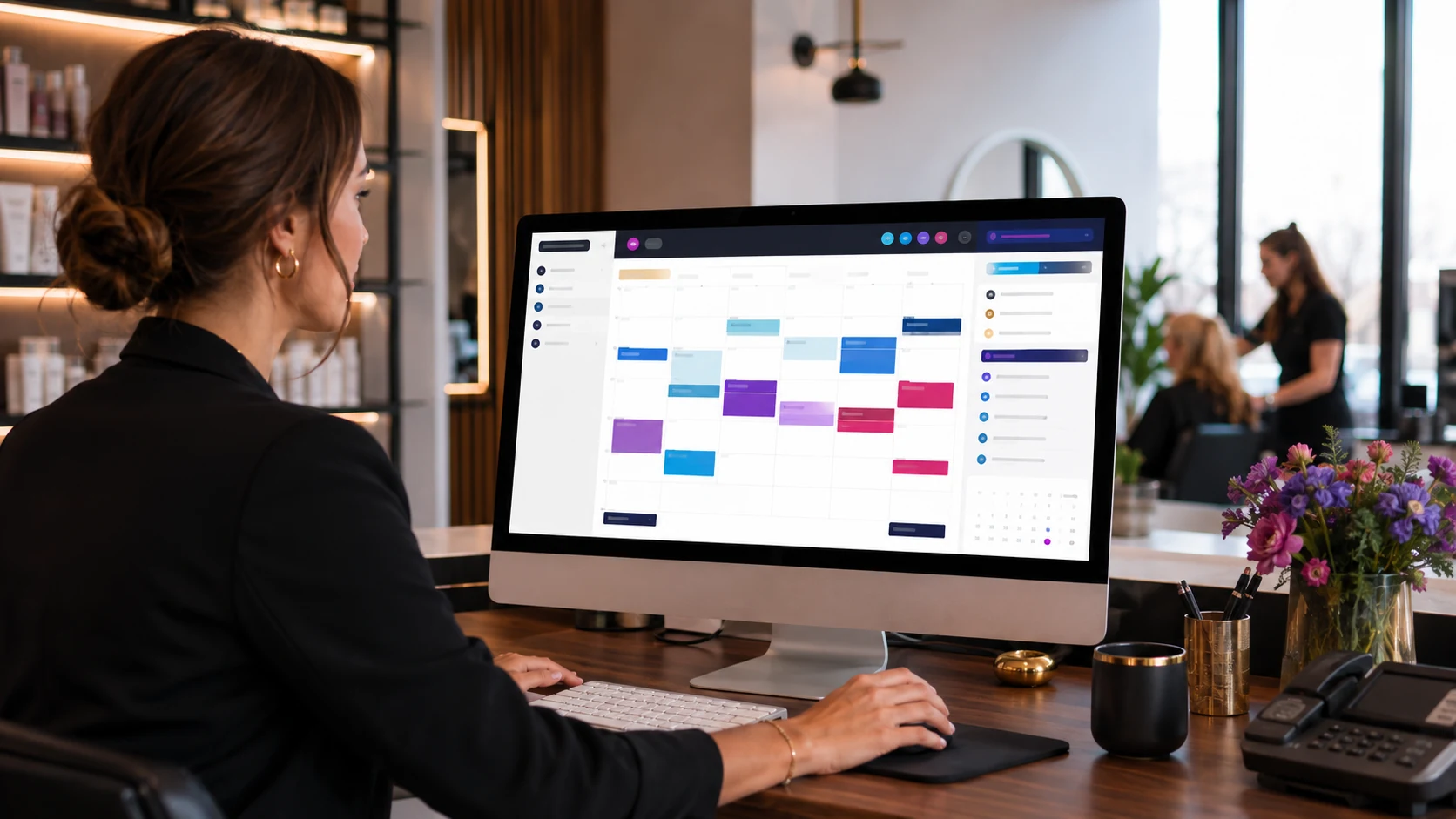
Online booking for small businesses
Give customers a direct way to choose a service, see availability and schedule an appointment from any device — even when your business is closed.
Be available when they're ready
Phone calls create friction when the customer is busy, your staff is with another client or the business is closed.
Online booking gives customers a self-service path to understand the service, find an available time and schedule without waiting for a callback.
The goal is not to replace personal service. It is to remove unnecessary back-and-forth around straightforward scheduling.
Customers can schedule when the decision is fresh, not only when someone answers the phone.
Present available appointment times around the way the business actually operates.
Let customers choose services and times without repeated calls or messages.
Keep the full scheduling journey comfortable on the device customers already use.
Simple for the customer
A good appointment flow reduces decisions, makes availability obvious and keeps the next step easy to understand.
Present services clearly so customers know exactly what they are scheduling before they choose a time.
Organize appointment windows around service duration, staff schedules and the rules of the business.
Give the customer a clear confirmation and reduce uncertainty about what happens next.
The rules behind the calendar matter
Different businesses schedule time in different ways. A salon, dental practice and local service company do not need the same booking logic.
We structure the experience around the services, professionals, availability and customer decisions that actually matter.
Organize different appointment types around the time each service actually requires.
When needed, connect professionals with their own schedules and available times.
Let customers choose a professional or use the first available option when appropriate.
Keep the customer informed after booking and before the appointment.
From intent to appointment
Each step should answer the next question without forcing customers to call, wait or search for information elsewhere.
Select the service or appointment type.
See the times or professionals currently available.
Provide the information needed to create the appointment.
Receive a clear confirmation and know what happens next.
Booking belongs on mobile
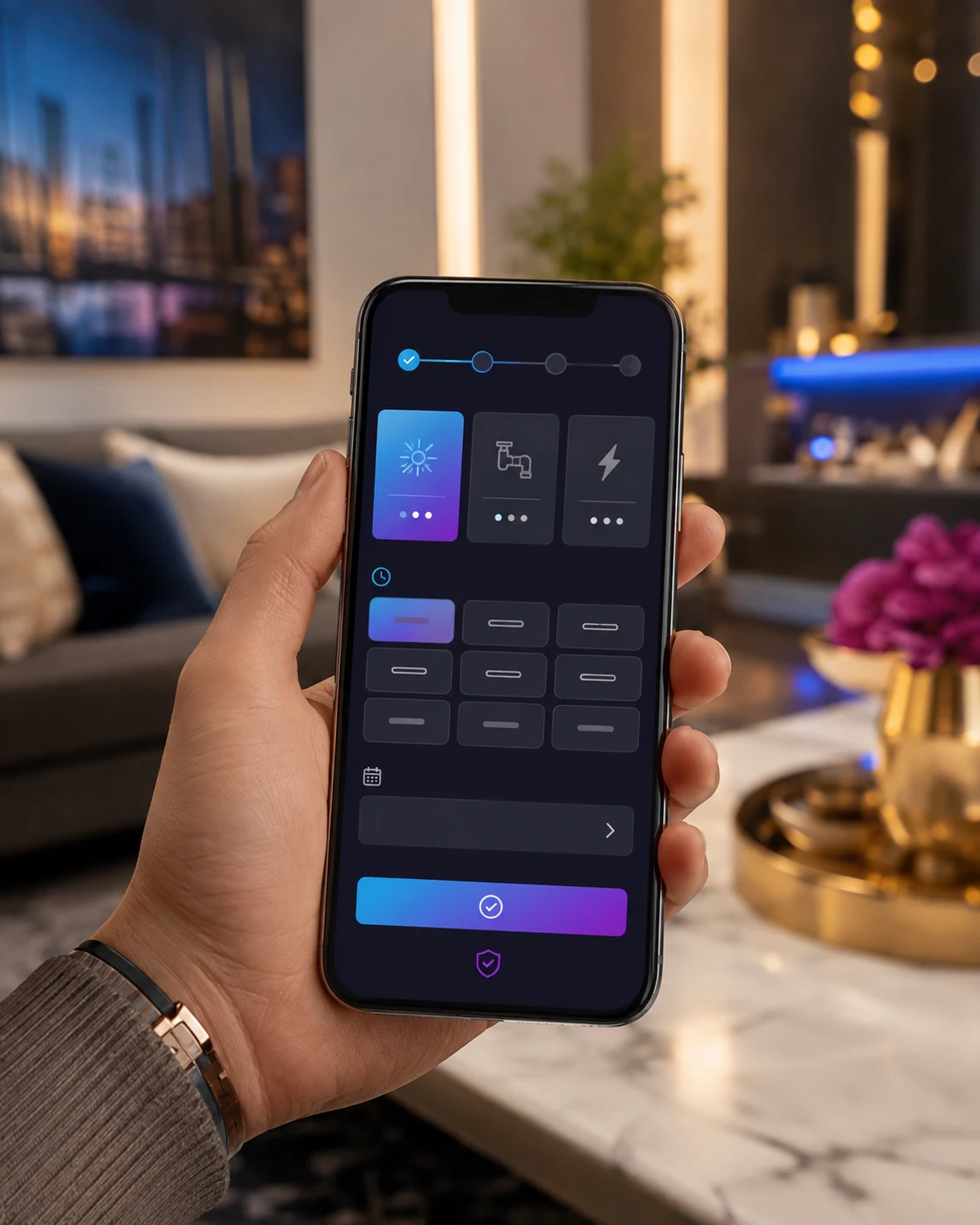
The appointment experience should feel natural on a phone, not like a desktop calendar squeezed into a small screen.
Services need to be readable, time slots easy to tap and the confirmation flow simple enough to finish without frustration.
A booking destination customers can reach
Your booking page should not live in isolation.
It can be connected from your website, campaign landing pages and other digital touchpoints so the path from discovery to appointment stays short.
Eligible businesses can also use appointment links in Google Business Profile, creating another direct route from Search or Maps to the booking destination.
Explore Website Design →Place booking actions where customers naturally look for the next step.
Eligible businesses can connect an appointment destination from Google Business Profile.
Move service-specific ad traffic toward a relevant booking path when the campaign calls for it.
Keep scheduling clear wherever the customer starts their journey.
Built for appointment businesses
The scheduling experience should reflect what the customer is actually choosing and how the business manages time.

Connect treatments, professionals and available times in one clear path.
Salon Solutions →
Give prospective patients a clear digital route toward scheduling.
Dental Solutions →
Useful for service businesses built around appointments, availability and time.
Small Business Solutions →
Connect your website and customer-facing pages directly to scheduling.
Website Design →Online booking FAQ
What small business owners need to know before putting appointments online.
An online booking system lets customers choose a service, view available appointment times and schedule without needing to call the business.
Yes. The booking destination can remain available 24/7 so customers can schedule when it is convenient for them.
Yes. Booking can be structured around several professionals, different services and individual availability depending on the business.
Yes. Reminder workflows can be configured to help customers remember upcoming appointments and reduce manual follow-up.
Yes. The booking destination can be linked from the business website, and eligible businesses can also add appointment links to Google Business Profile.
Make the next appointment easier
Tell us how your services, staff and availability work. We'll build the booking journey around the way your business actually operates.