Help Guests Find the Right Dish Faster.
Clear categories and mobile-first navigation reduce the friction of scrolling through a long static document.

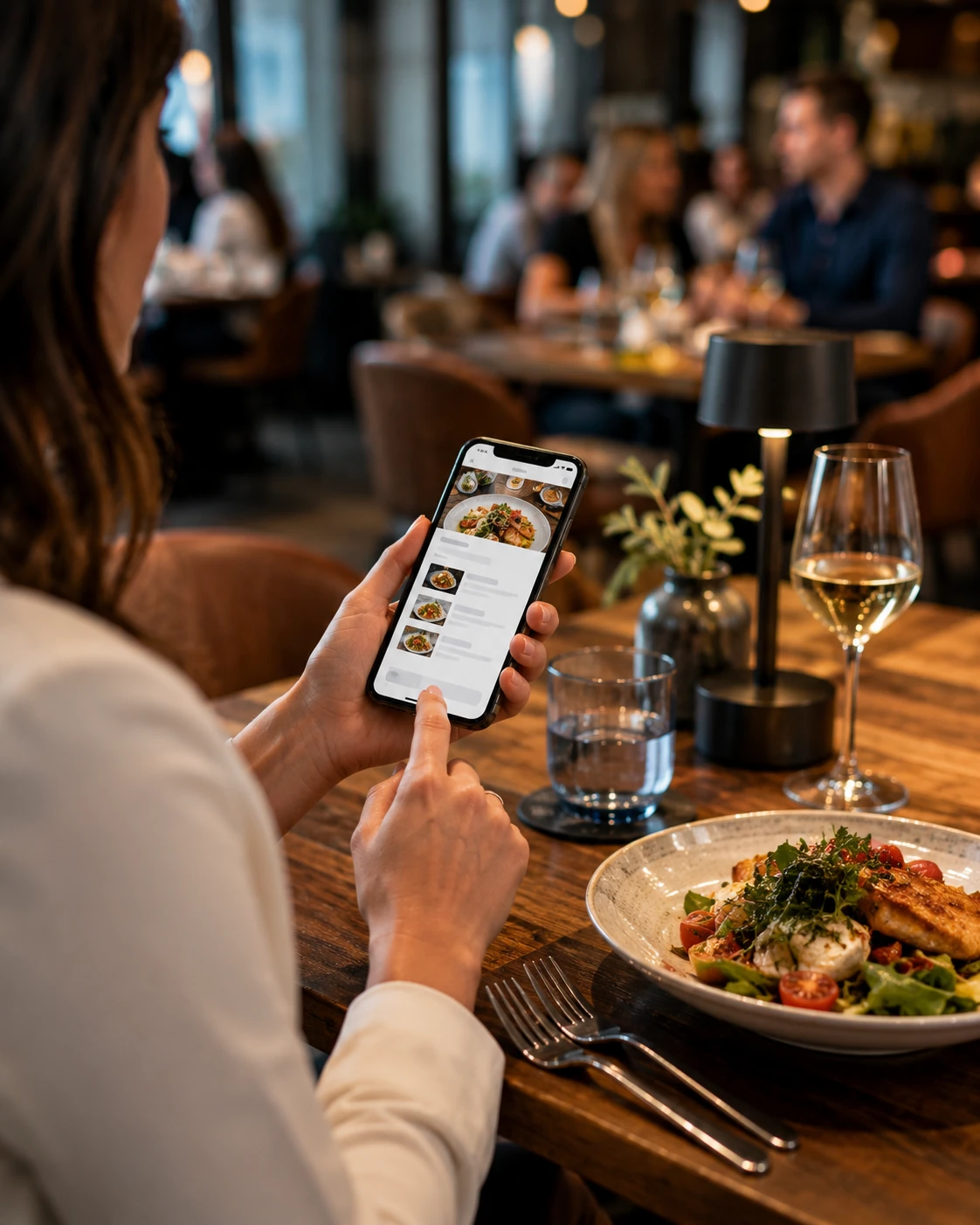
Digital menus for restaurants
Give guests a fast, visual and mobile-friendly way to explore dishes, understand the menu and move naturally toward ordering, booking or asking for service.
The menu is part of the experience
A good restaurant menu helps guests understand what is available, compare options and feel confident about what to order.
On a phone, that means readable categories, clear pricing, useful descriptions, strong food imagery where appropriate and a layout that does not feel like a PDF squeezed onto a small screen.
ClickVerso LLC builds the customer journey around the restaurant, not around a generic menu template.
Guests reach the menu directly from a QR code or web link.
Categories, dishes and prices are designed for fast mobile reading.
Multilingual presentation can make the menu easier for international customers.
Ordering, reservations and other restaurant actions can live in the same digital journey.
Beyond the PDF menu
A digital menu should be easy to scan with your eyes, easy to navigate with one hand and easy to update when the restaurant changes.
Clear categories and mobile-first navigation reduce the friction of scrolling through a long static document.
Descriptions, pricing, allergens and visual details can be organized without overwhelming the customer.
Connect menu discovery with table service, ordering, pickup, delivery or reservations when the restaurant needs it.
The restaurant stays in control
Menus change. Prices change. Dishes sell out. Seasonal items come and go.
A digital menu gives the restaurant a flexible customer-facing layer that can be updated without replacing printed material every time something changes.
Organize food and drinks around the way guests naturally browse the menu.
Keep customer-facing information aligned with what the restaurant is actually serving.
Present useful item information in a cleaner, more accessible format.
Help more guests understand the menu without creating separate printed versions.
From table to action
The same digital foundation can support different restaurant moments without making the experience feel complicated.
Open the menu from the table, counter, window or printed material.
Move through categories, dishes, drinks and restaurant information.
Understand options, pricing and relevant item details.
Order, reserve or continue with the restaurant's preferred customer flow.
Designed for the phone at the table
Guests should not need to zoom, rotate the phone or hunt through tiny text.
A real mobile menu is built around touch, readable spacing, strong hierarchy and fast access to categories and items.
The restaurant gets a premium customer experience without asking guests to install an app.
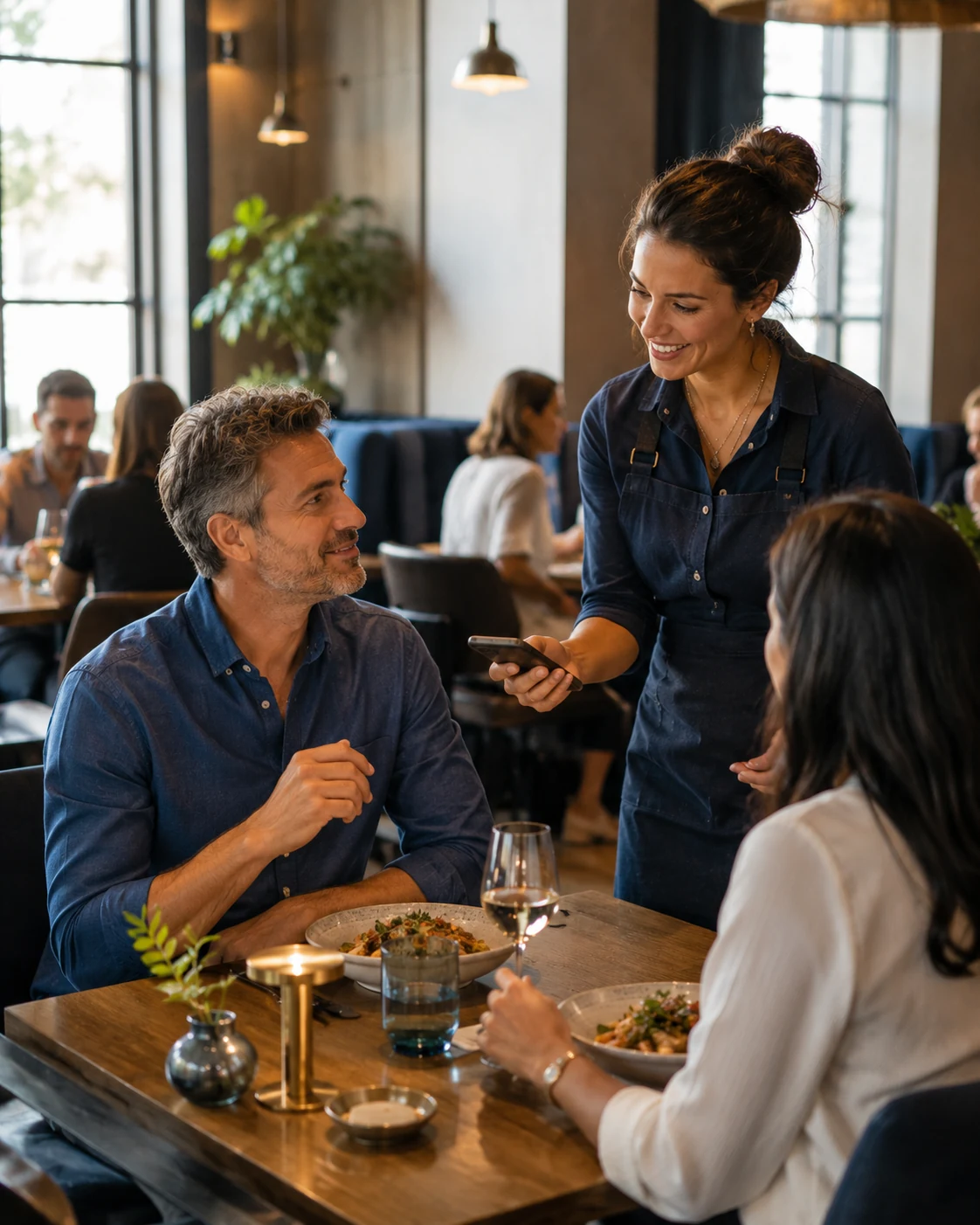
Connect the menu to restaurant discovery
A digital menu does not have to begin with a QR code inside the restaurant.
Google Business Profile supports a menu link, and restaurants can also manage food-ordering links that can appear in Search and Maps.
That means the same restaurant-owned digital experience can support customers before they arrive, while they are deciding and after they are ready to order.
Explore Online Ordering →Give customers a direct path from the Business Profile to the restaurant menu.
Restaurants can manage eligible ordering links for pickup and delivery journeys.
Connect the menu directly from the restaurant website and key landing pages.
Let prospective customers explore the restaurant before deciding where to eat.
More than one restaurant moment
The menu can be the starting point for several customer journeys without forcing every restaurant into the same workflow.
Use QR access without turning the menu into a static PDF experience.
QR Code Menu →
Connect menu discovery with a direct ordering path when the restaurant needs it.
Online Ordering →
Connect restaurant discovery and menu browsing to the reservation journey.
Restaurant Reservations →
Website, advertising, ordering, reservations and menu experience can reinforce one another.
Restaurant Solutions →Digital menu FAQ
Simple answers about QR access, mobile menus and connected restaurant experiences.
A digital menu is a mobile-friendly menu customers can open from a QR code or direct web link to browse dishes, drinks, prices and other restaurant information.
Yes. A QR code can take guests directly to the restaurant menu on their own phone without requiring an app.
Yes. A multilingual digital menu can make the restaurant easier to understand for international guests without maintaining separate printed menus.
Depending on the restaurant setup, the digital experience can connect to ordering for table service, pickup or delivery.
Yes. Google Business Profile supports menu links, and restaurants can also manage eligible food-ordering links for Search and Maps.
Make the menu part of the experience
Tell us how your restaurant works, how guests order and what you want the digital menu to do. We'll build the experience around it.