Get Guests Into the Menu Fast.
Reduce unnecessary steps between the camera scan and the categories the guest actually wants to browse.

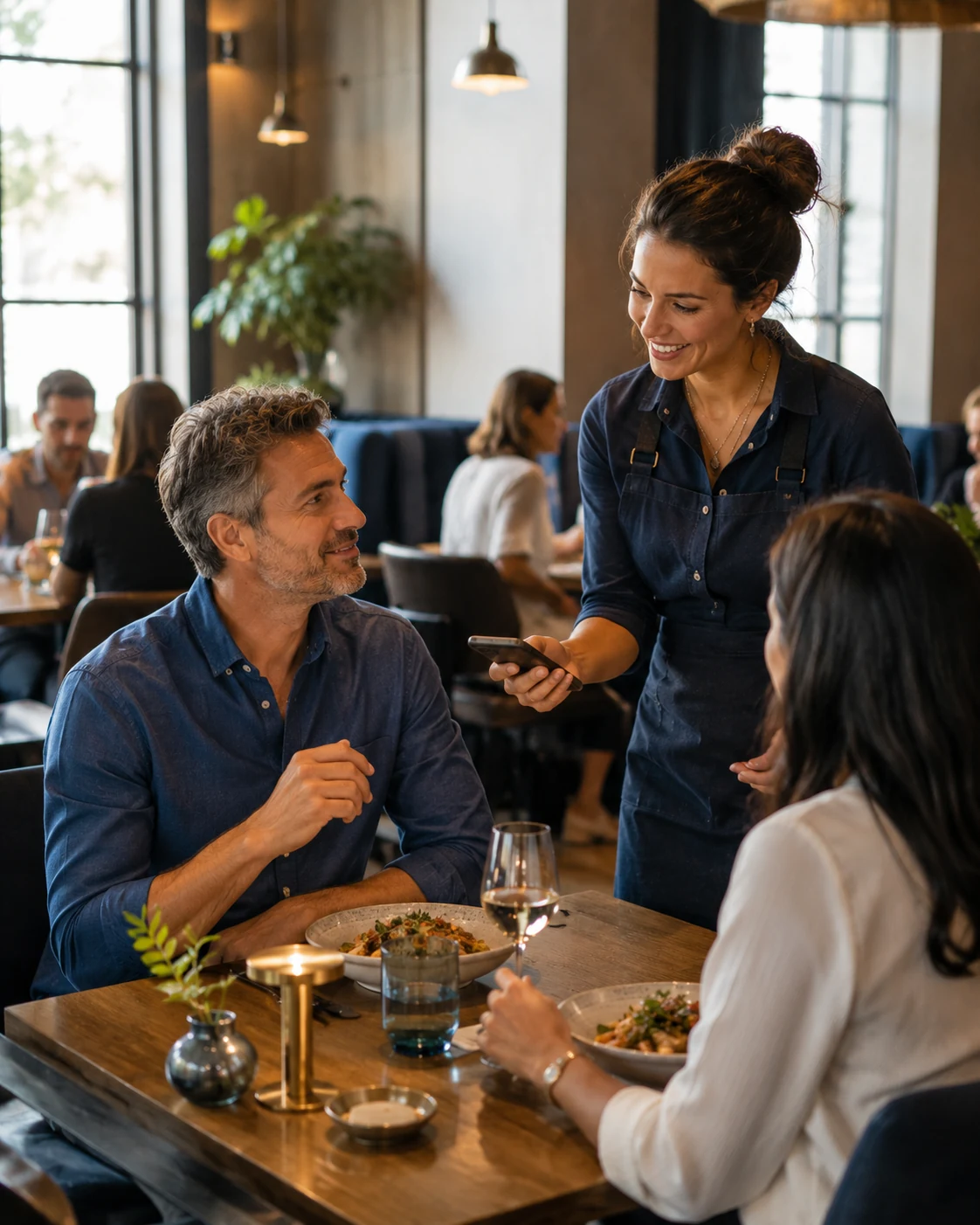
QR code menu for restaurants
What guests see after the scan should be fast, readable and designed for the restaurant — not a tiny PDF that makes them pinch, zoom and search.
Scan is not the experience
A printed menu and a mobile screen are different environments.
Instead of shrinking a paper layout, a proper QR menu reorganizes the restaurant content around touch, categories, readable typography and quick decisions.
Guests scan, the browser opens and the menu should immediately feel clear.
Use the phone camera to reach the restaurant menu without installing an app.
Build the layout around a real mobile screen instead of a static document.
Keep one stable entry point while restaurant content changes over time.
Make the digital menu feel like part of the restaurant rather than a generic utility page.
A better QR menu
The first view after a scan should answer one question immediately: “Can I find what I want here?”
Reduce unnecessary steps between the camera scan and the categories the guest actually wants to browse.
Use mobile typography, spacing and structure instead of forcing customers to enlarge a desktop or printed layout.
Make food, drinks and other categories easy to reach without endless scrolling.
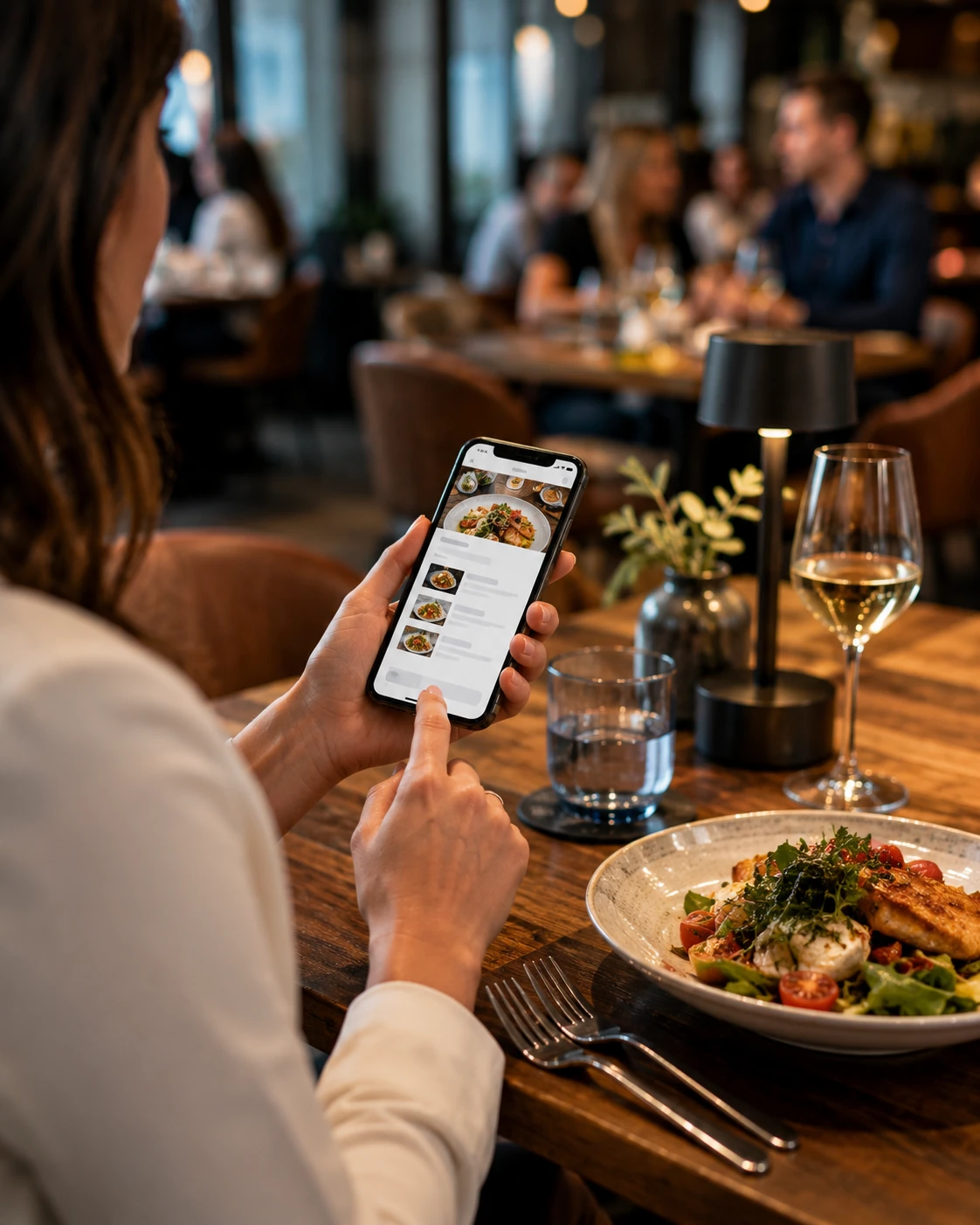
Keep the printed QR. Change the digital menu.
The QR code can remain the same when it points to a stable restaurant-owned menu URL.
That means the restaurant can update the content behind the scan instead of treating every menu change like a printing project.
Keep the guest entry point consistent while the digital content evolves.
Change dishes, prices, descriptions and menu organization when needed.
Adapt customer-facing choices when items or sections should no longer be shown.
Use the same QR entry point while letting guests browse in a language they understand.
The table journey
The QR should disappear into the journey. Guests should remember the menu and the food, not the technology.
Open the phone camera and aim at the restaurant QR.
Reach the menu directly in the mobile browser.
Move through categories, dishes, prices and useful details.
Continue naturally into ordering or the restaurant's preferred service flow.
One QR can do more than open a menu
Depending on how the restaurant operates, the same digital journey can connect customers with more than menu browsing.
That can include ordering paths, pickup, delivery, reservations or other restaurant actions without turning the first screen into a cluttered control panel.
The important part is keeping the menu simple while making the next action available when the customer needs it.
QR in the restaurant. Menu on Google.
The QR is ideal inside the restaurant, but your digital menu can also support customers before they arrive.
Google Business Profile allows restaurants to provide menu links, and restaurants can list menu items such as dish names, descriptions and prices.
This creates a useful separation: QR codes help guests at the physical location, while digital menu visibility can also help people during restaurant discovery.
Explore Digital Menus →Give guests a direct route from the physical restaurant to the mobile menu.
Use restaurant menu information where customers may discover the business before visiting.
Let website visitors explore the same restaurant-owned menu experience.
Connect advertising and restaurant pages to a clear menu destination when appropriate.
Build around the restaurant
Use the right customer path for the way the restaurant actually serves guests.
Move beyond the QR itself with structured categories, dishes and mobile navigation.
Digital Menu →
Use the digital restaurant journey for pickup, delivery or other ordering flows.
Online Ordering →
Give prospective guests a direct reservation path before they arrive.
Restaurant Reservations →
Connect advertising, websites, menus, ordering and reservations under one strategy.
Restaurant Solutions →QR code menu FAQ
Guests scan the QR code with their phone camera and the restaurant menu opens in the mobile browser. No app is required for a standard web-based menu.
A mobile-first digital menu can provide a more comfortable phone experience because categories, typography and item information can adapt to the screen instead of behaving like a fixed printed page.
Yes. If the QR points to a stable menu URL, the restaurant can update the digital content behind that address while keeping the same QR code in place.
Yes. A restaurant can use different table-level QR entry points when that supports its ordering or service workflow.
Yes. The same digital menu experience can present content in multiple languages so more guests can understand dishes and restaurant information.
Make every scan worth it
Tell us how your menu works, what guests need to see and what should happen after they choose. We'll build the digital journey behind the scan.