Keep Dishes Easy to Add and Understand.
Use a clear menu structure so customers can choose items, options and quantities without confusion.

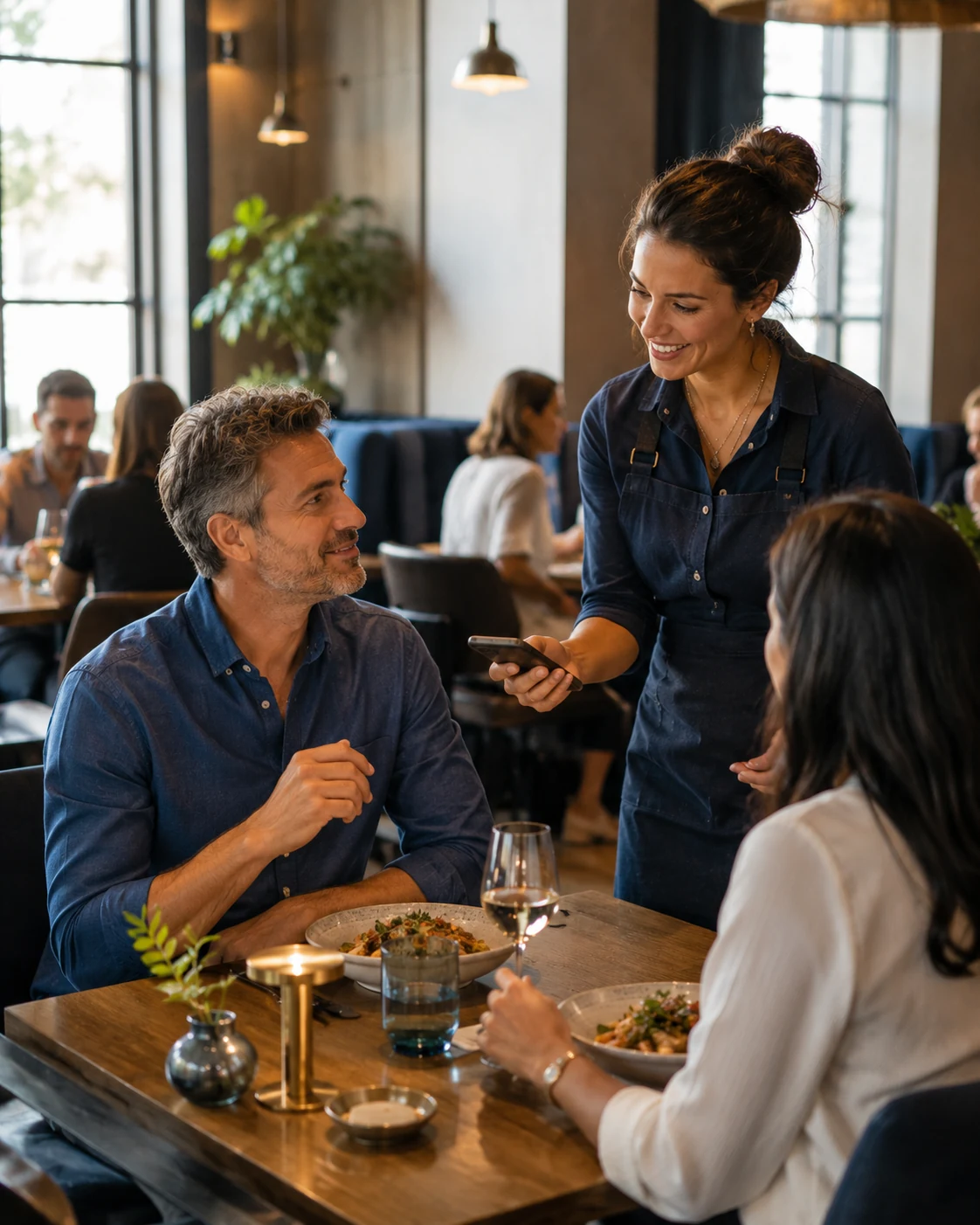
Restaurant online ordering
Give customers a direct way to choose dishes, build an order and continue to pickup or delivery without losing momentum between the menu and checkout.
The order should keep moving
Every extra step between “that looks good” and “order placed” creates another opportunity for hesitation.
A strong restaurant ordering experience keeps the menu, selections, fulfillment choice and confirmation connected so the customer always understands what happens next.
That means less jumping between disconnected pages, fewer confusing decisions and a cleaner mobile journey.
Start with a restaurant menu designed around real mobile behavior.
Let customers choose what they want without losing their place in the journey.
Guide customers into the correct order path based on how the restaurant serves.
Give the customer confidence that the restaurant has received the order.
Built around ordering decisions
The customer should always know what they selected, what it costs and what they need to do next.
Use a clear menu structure so customers can choose items, options and quantities without confusion.
Customers should understand whether they are collecting the order or having it delivered before the final step.
Keep customer details, order review and payment or confirmation steps focused and easy to complete.
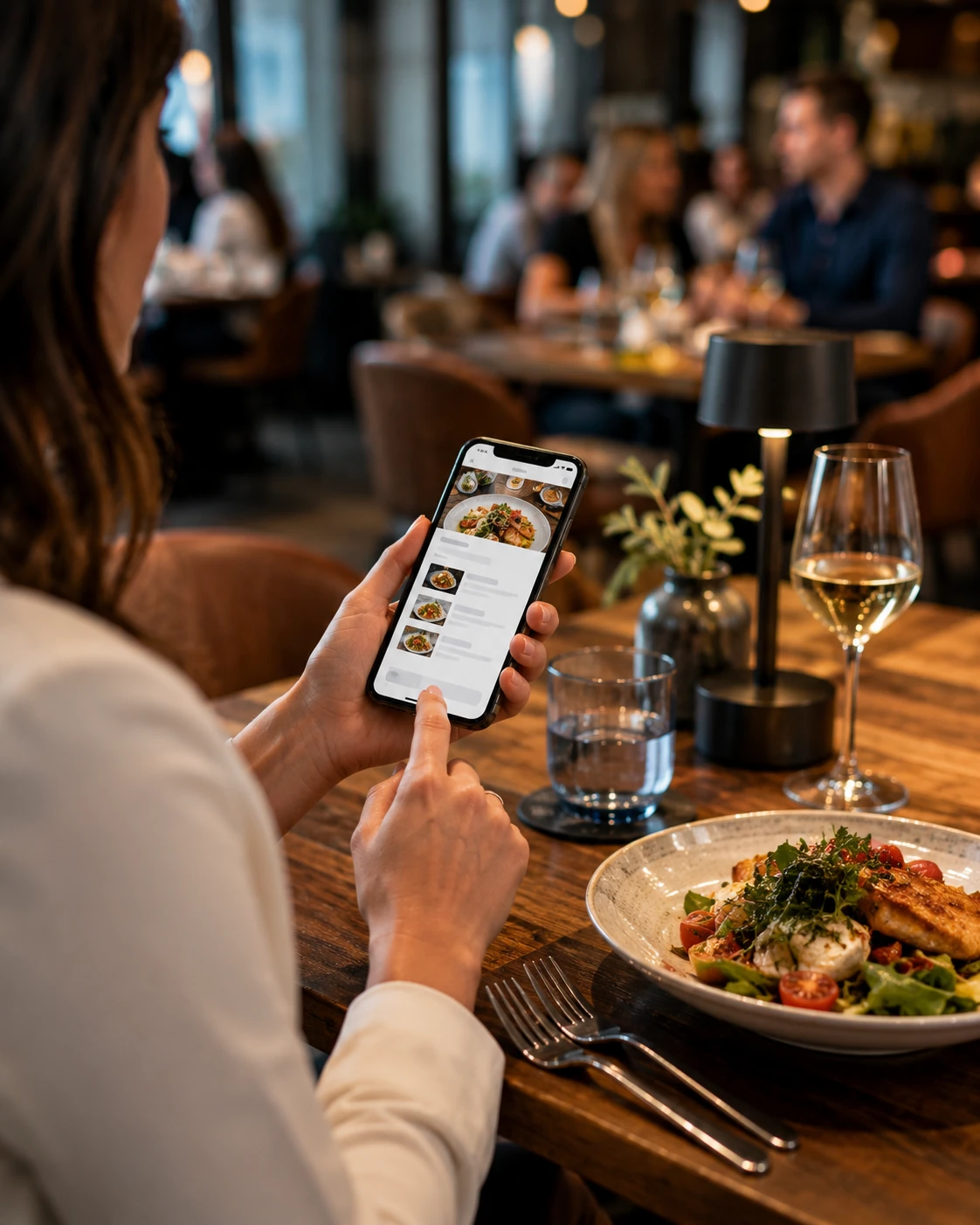
Build around the restaurant's operation
The customer experience is only one side of the system.
The restaurant still needs sensible rules behind it: which order types are available, what customers can select and how the order reaches the team.
Let customers order before arrival and collect from the restaurant.
Use a delivery path when the restaurant offers service to defined areas.
Support useful choices, notes and variations when the menu requires them.
Structure the flow so completed orders reach the restaurant in a usable way.
The ordering journey
The strongest online ordering experience removes unnecessary decisions while keeping the customer informed at every step.
Explore dishes, drinks and available restaurant options.
Build the cart with the items and choices the customer wants.
Select pickup or delivery when both options are available.
Complete the order and receive a clear confirmation.
Ordering belongs on mobile
Restaurant ordering often starts on a phone, so the interface has to work at mobile speed.
Menus should be easy to scan, buttons easy to tap and the cart easy to review without forcing the customer through unnecessary screens.
The goal is straightforward: get the order completed without making the technology the memorable part.
Connect ordering to Google
Eligible restaurants can manage custom food-ordering links in Google Business Profile.
Google supports links that help customers order food, and restaurant owners can set a preferred ordering link when multiple options are available. citeturn310646search0turn310646search4
That means your restaurant-owned order page can become part of the discovery journey instead of relying only on customers finding the ordering button on your website.
Explore Digital Menu →Connect eligible Business Profile visitors directly to an ordering destination.
Give customers a direct path to place and collect an order.
Support delivery when it fits the restaurant's geography and operation.
Make the order page feel connected to the same digital experience as the menu and website.
One restaurant customer, many channels
Current U.S. restaurant behavior increasingly crosses delivery, dine-in and discovery channels rather than staying in one lane. citeturn310646search2turn310646search3
Connect food discovery directly with the order journey.
Digital Menu →
Give table guests direct access to the menu and connected restaurant actions.
QR Code Menu →
Ordering and reservations can support the same guest at different times.
Restaurant Reservations →
Website, advertising, menus, ordering and reservations can reinforce one another.
Restaurant Solutions →Online ordering FAQ
A restaurant online ordering system lets customers browse the menu, choose items and complete an order for pickup or delivery through a digital ordering experience.
Yes. Pickup ordering lets customers place the order before arriving and collect it from the restaurant.
Yes. Delivery can be included when it matches the restaurant's operating model, geographic area and fulfillment process.
Yes. The digital menu can lead directly into the ordering path so customers can move from browsing dishes to building the cart without starting over.
Eligible restaurants can manage custom food-ordering links in Google Business Profile so customers can reach an order destination from Search and Maps.
Make ordering easier
Tell us how your restaurant handles pickup, delivery and menu choices. We'll build the ordering journey around the way your operation works.