Match the Reservation to the Group.
Use party size as part of the booking logic so availability reflects the real table need.

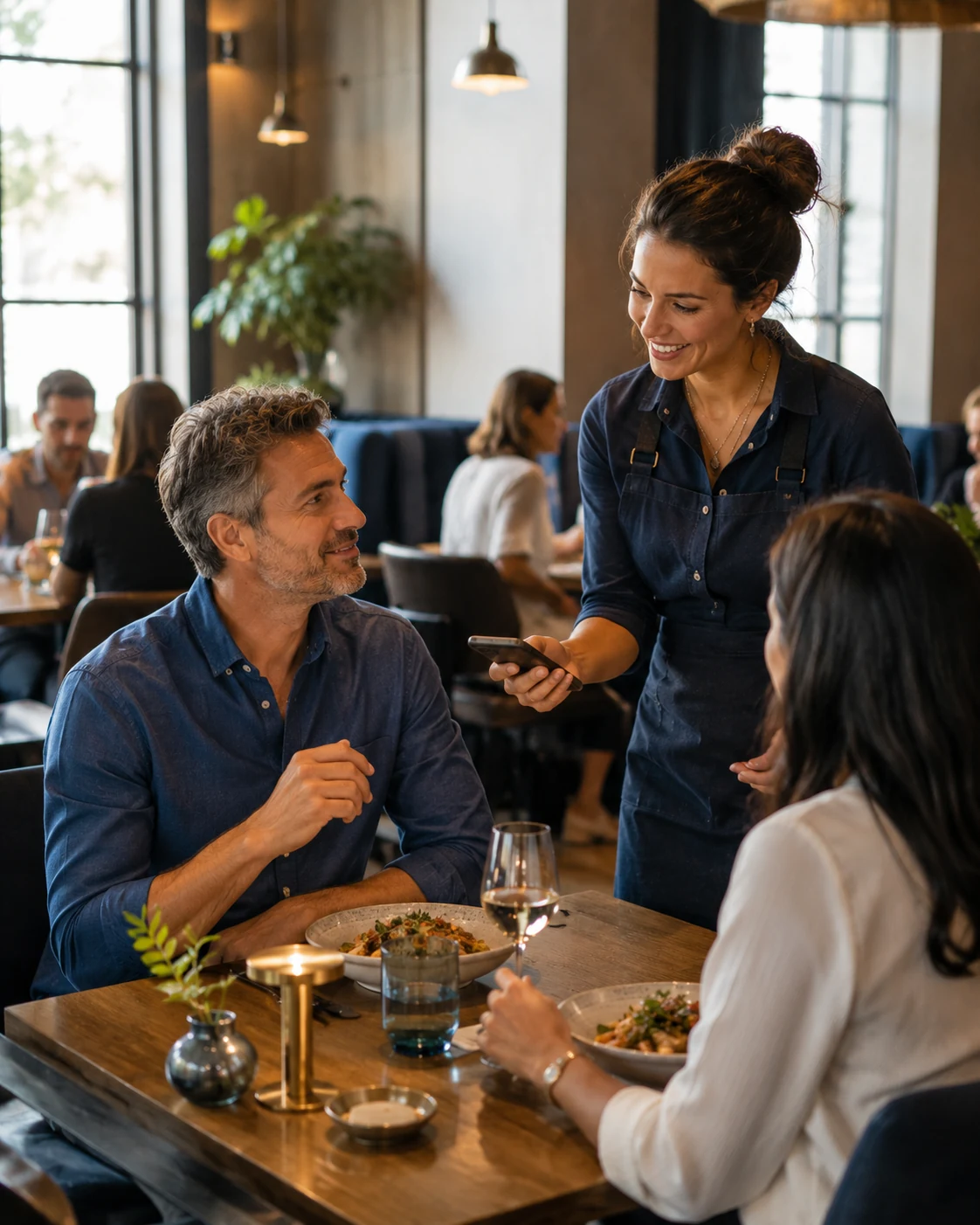
Restaurant reservation system
Give customers a direct way to choose party size, date and time and secure a table online without waiting for the restaurant to answer the phone.
Reservations should feel effortless
Calling works when someone is available to answer. Online reservations work when the guest is ready to decide.
A clear booking journey lets customers see available times, choose the right party size and confirm without unnecessary back-and-forth.
The result is a more convenient experience for guests and a more organized flow for the restaurant.
Let guests tell the restaurant how many people are coming.
Present reservation times based on the restaurant's capacity and schedule.
Give guests a clear record that the reservation has been received.
Make the full reservation journey comfortable on a phone.
Reservations without the phone tag
The guest should always know what they are choosing and whether the restaurant can actually accommodate it.
Use party size as part of the booking logic so availability reflects the real table need.
Keep availability aligned with service hours, capacity and the way the dining room is managed.
Use a clear confirmation and reminder flow so reservation details do not feel uncertain.
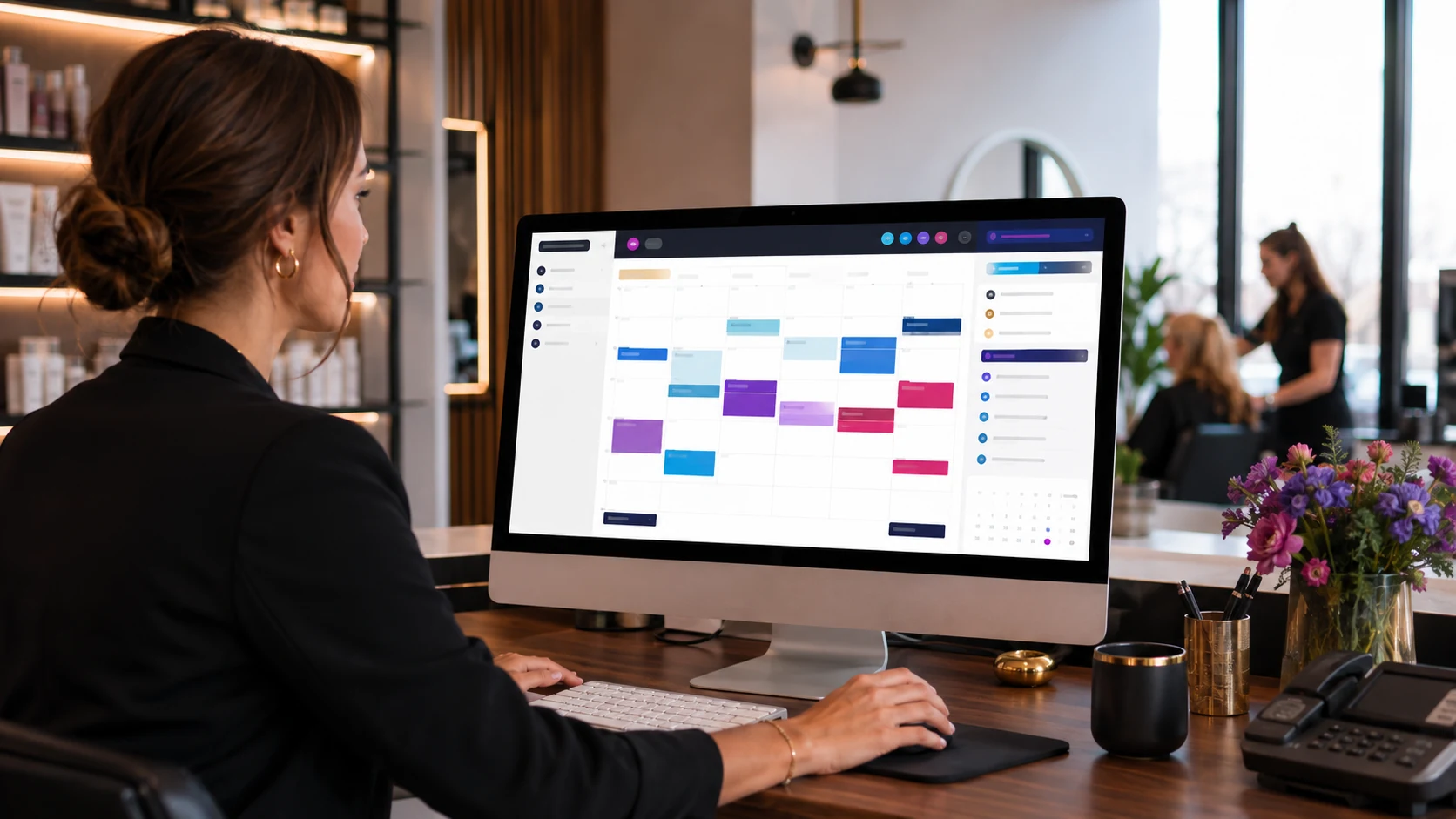
The customer sees simplicity
A booking system has to respect the real limits of the restaurant.
Availability, party size and service times should work together so the guest only sees options the restaurant is prepared to accept.
Structure availability around the number of guests and table needs.
Only present reservation slots during the times the restaurant actually accepts bookings.
Reduce the risk of offering more reservations than the dining room can realistically handle.
Keep the guest informed between booking and arrival.
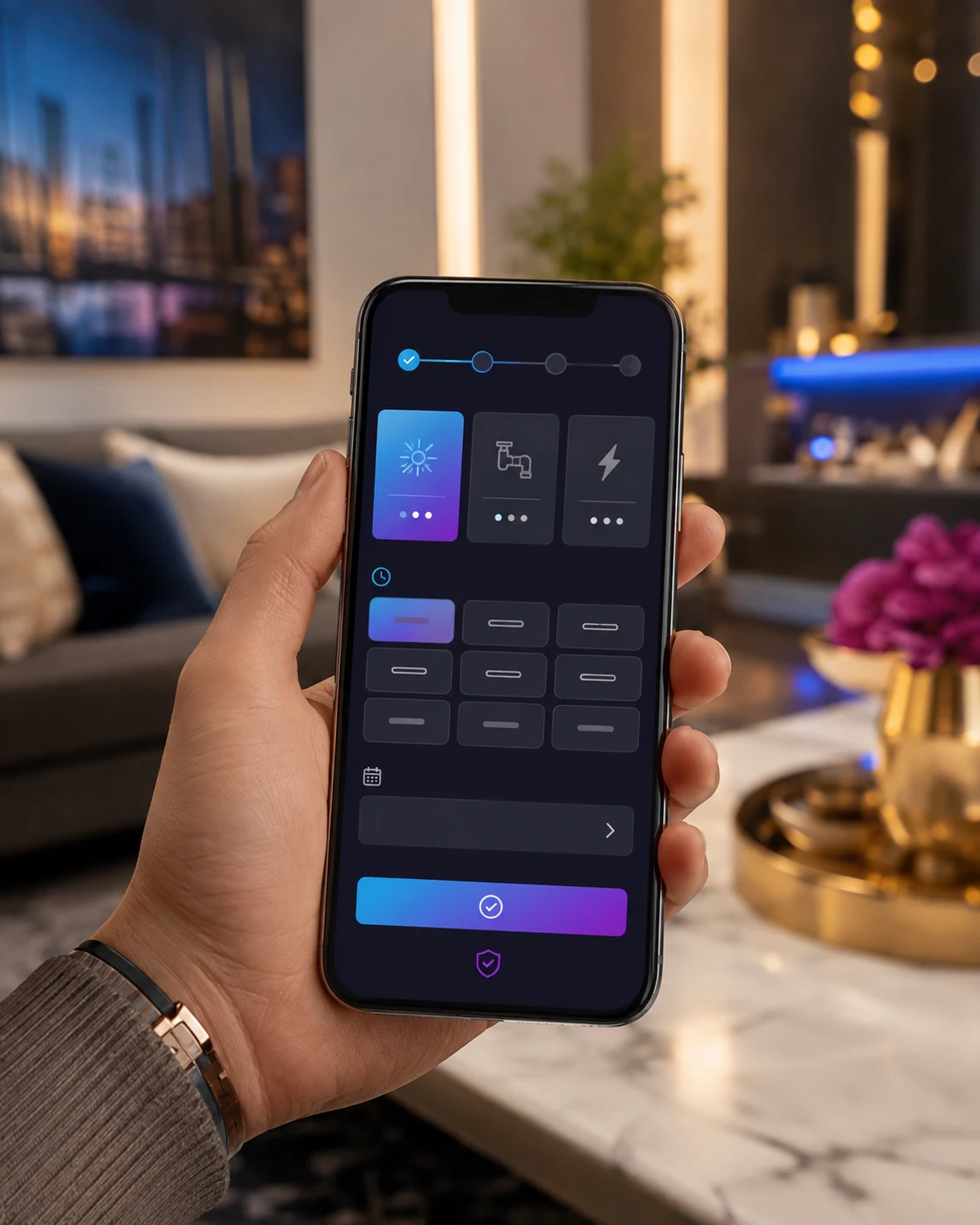
The reservation journey
The booking path should answer one question at a time and keep the guest moving forward.
Choose the number of guests.
Select the day the group wants to visit.
Choose from the reservation times currently available.
Secure the booking and keep the reservation details clear.
Designed for spontaneous restaurant decisions
Restaurant discovery, menu browsing and reservations often happen on the same device.
The reservation interface should therefore be fast, readable and comfortable enough to complete without switching devices or making a call.
The simpler the flow, the easier it is to turn restaurant interest into a real visit.
Connect reservations to restaurant discovery
Eligible businesses can add reservation links to Google Business Profile so customers can move from Search or Maps toward booking.
That means your reservation destination can support guests before they ever reach the restaurant website.
The strongest setup keeps the same booking journey accessible from the website, restaurant pages and other customer touchpoints.
Explore Restaurant Solutions →Help eligible Business Profile visitors reach a reservation destination directly.
Place reservations where prospective guests naturally look for the next step.
Let customers who are exploring the restaurant move naturally toward securing a table.
Use restaurant campaigns to move high-intent visitors toward a direct reservation action when appropriate.
One guest journey, several restaurant actions
Menu discovery, ordering and booking often happen at different moments for the same customer.
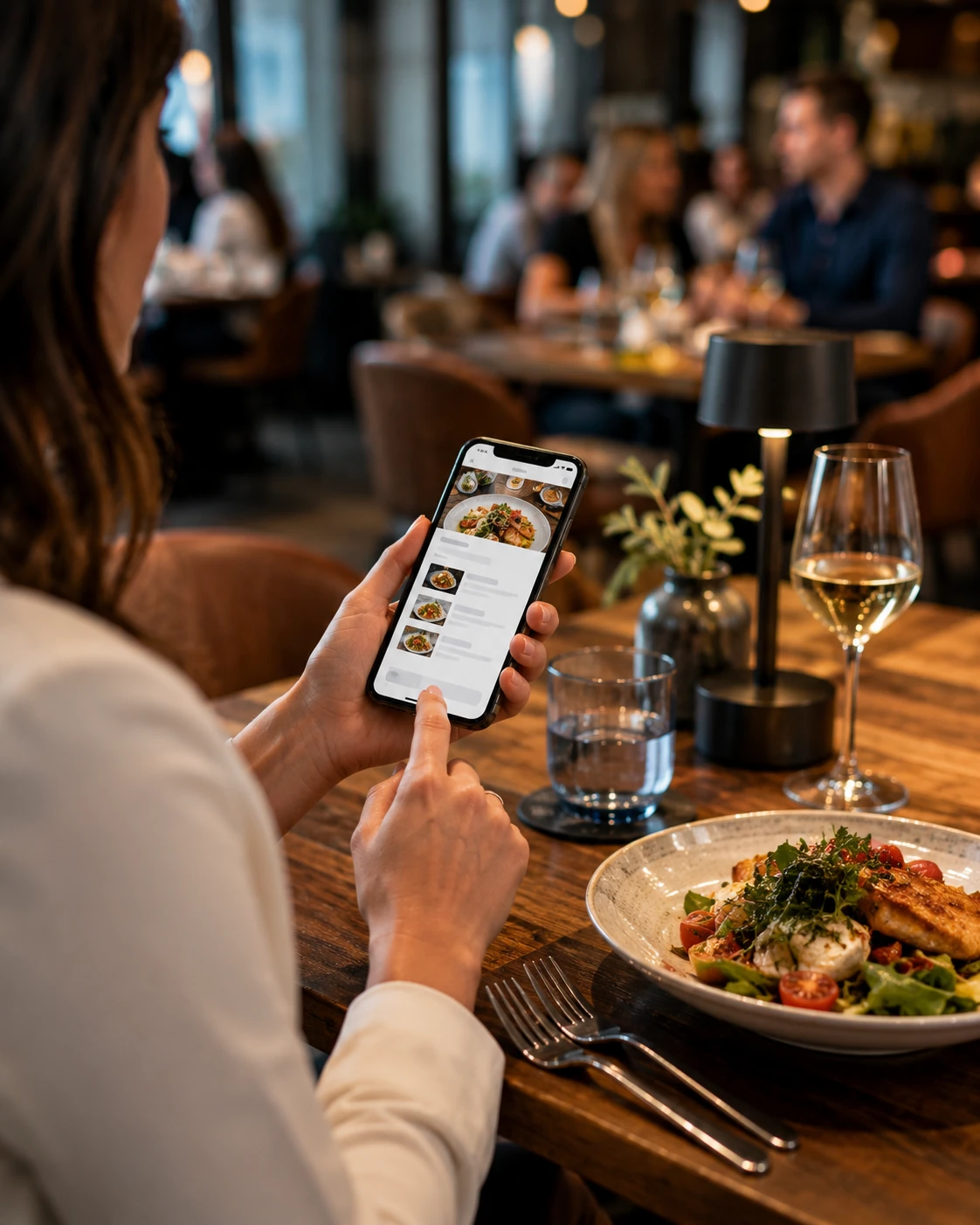
Use the menu to build interest and make the next restaurant action easy to find.
Digital Menu →
Use QR access for menus and other restaurant actions at the table.
QR Code Menu →
Pickup and delivery can support the same restaurant audience in a different moment.
Online Ordering →
Website, advertising, menu, ordering and reservations can reinforce one another.
Restaurant Solutions →Restaurant reservation FAQ
A restaurant reservation system lets guests check available times and book a table online without needing to call the restaurant.
Yes. A mobile-friendly reservation page can let guests choose party size, date and time from a phone, tablet or desktop device.
Reservation rules can be structured around table availability, party size and restaurant capacity depending on the setup and how the dining room is managed.
Yes. Confirmation and reminder workflows can help keep reservation details clear before the guest arrives.
Eligible restaurants can add reservation links to Google Business Profile so customers can reach a booking destination from Search and Maps.
Make the next table easier to book
Tell us how your restaurant handles party size, capacity and service hours. We'll build the reservation journey around the way your dining room actually works.